

The work behind every inquiry, done in Infor HMS.
Altek reads live availability, rates and guest profiles from Infor HMS, then prepares the reply and the operation behind every guest inquiry. Nothing changes until your team approves it.
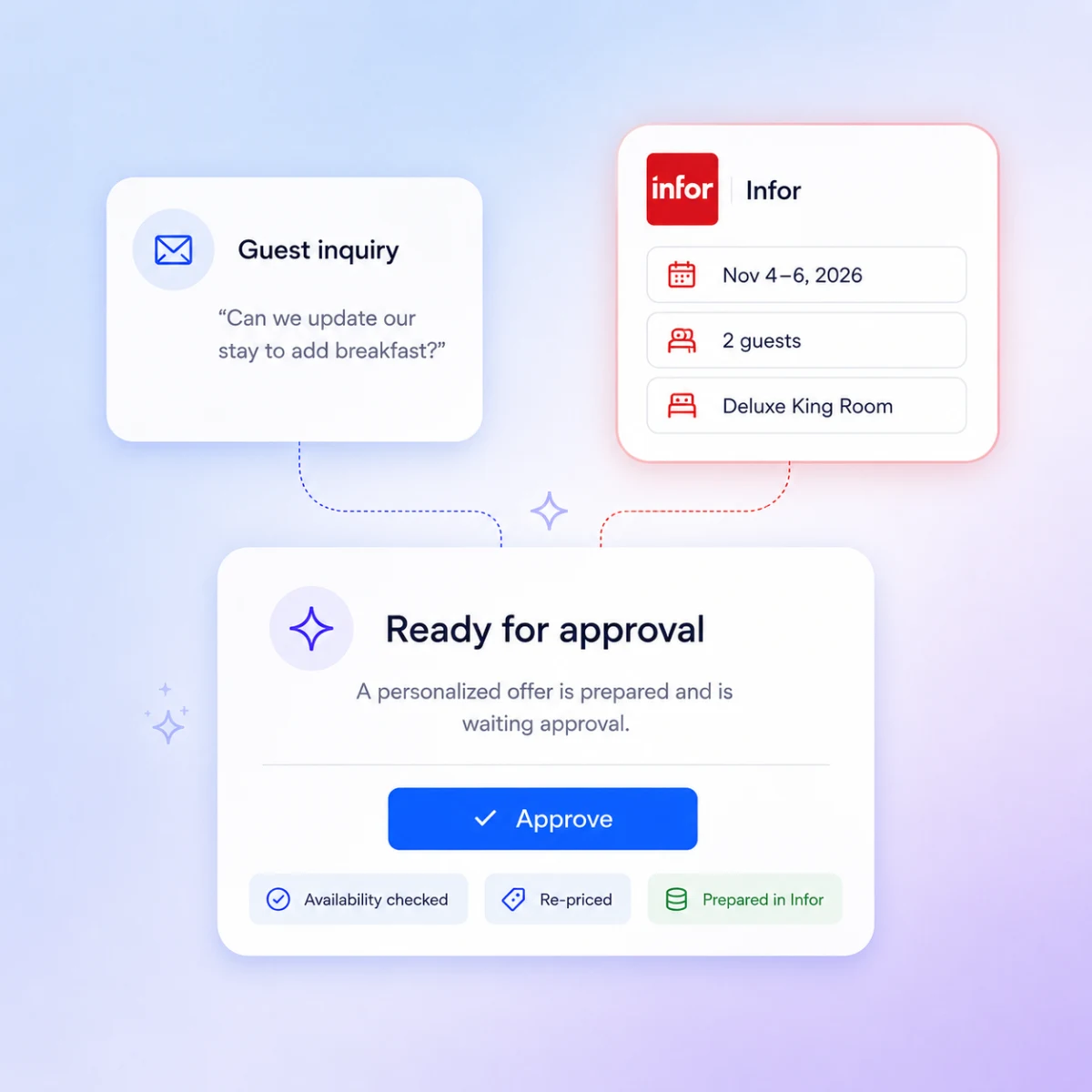
Altek is an AI agent that connects to Infor HMS and does the operational work behind a guest inquiry — creating, modifying and cancelling reservations — with a human approving every action before it reaches the PMS.
- Connection
- Direct, set up with our team
- Access
- Read and write, least-privilege
- Live in
- Days, not months
- Approval
- A person approves every action
- Data used
- Availability, rates, reservations, guest profiles
- Migration
- None — Infor HMS stays your system of record

What Altek does in Infor HMS
What Altek will never do in Infor HMS
The limits matter as much as the capabilities. These are hard boundaries, not settings that happen to default this way.
- Never confirms anything in Infor HMS without a person approving it first.
- Never changes your rates, availability rules or policies.
- Never acts outside the permissions you set, per action type and per property.
- Never uses your guest data to train anything outside hospitality.
A guest books again. Altek already knows them.
- Stay history and preferences read from Infor HMS
- Live availability and rates checked
- Reply drafted with what you already know about them
- The booking staged, not created, until approved

How do you connect Altek to Infor HMS?
Three steps, none of them an IT project. Infor HMS stays your system of record and nothing about how your property runs has to change.
- 1We handle it · days
Connect Infor HMS
Infor HMS stays your system of record. Nothing is migrated and nothing about how your property runs has to change.
- 2No migration
Connect your channels
The inbox your reservations team already opens, plus WhatsApp or web chat if you use them. Nothing moves, nothing is rebuilt, and there is no new login.
- 3You stay in control
Decide who approves what
Permissions per action type and per property. One property can approve modifications at the desk while another routes cancellations to a manager.
See it running on your Infor property
Tell us how your property is set up and we'll show you exactly what Altek would stage from a real guest email.
- 30 minutes, no preparation needed
- We use real guest emails from your property
- No commitment and no follow-up spam
The booking calendar opens full-screen — choose a slot and you are done in under a minute.
Open the booking calendarInfor HMS integration FAQ
What hotel teams ask us before connecting.