
ALTEK FOR OUTLOOK

Turn more inquiries into bookings, without leaving Outlook.

Altek reads the email, pulls live hotel data and drafts the reply in your hotel's voice before your team opens it. Your team reviews and sends it from Outlook. Ten minutes becomes 30 seconds.

1–3 hoursto go live
30 secondsto read and send
Read-onlyno write access to your systems

Convert more of the inquiries you already receive

Answer while the guest is still deciding

High-intent inquiries get a real answer in minutes, not after the guest has already booked elsewhere.

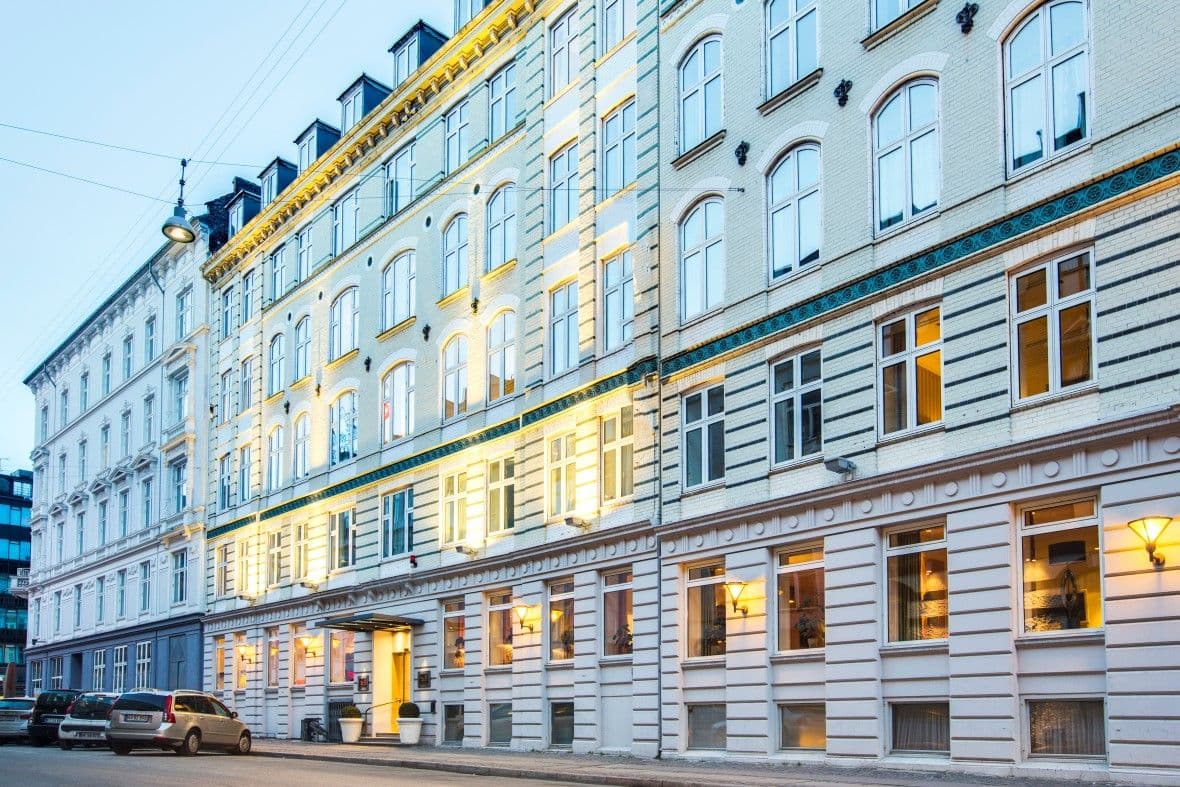
30 secondsaverage reply at Hotel Mayfair

Reclaim the minutes behind every reply

Altek handles the searching, lookups and writing before your team opens the thread.

5–10 minutes →30 seconds

Read-only by design

Altek can retrieve the live hotel data needed to draft the reply, but it cannot create, change or cancel anything in your systems.

No write access

Keep working in Outlook

The draft appears inside the Outlook thread your team already uses. No new inbox, dashboard or login.

No new workflow

Stay in Outlook. Skip the system hopping.

Altek brings the live hotel data needed for each inquiry into the draft, so your team spends less time opening systems, searching for details and copying information back into the email.

Opening the PMSSearching old confirmationsLooking up ratesCopying guest detailsSwitching between systemsRewriting repetitive answers

The same request, without leaving Outlook

One guest asks: We stayed last May and loved our room. Same one for the 14th to the 16th? What's the rate?

Without Altek5–10 minutes5 steps
  1. Search Outlook for last May's confirmation.
  2. Open the PMS and find which room they had.
  3. Check whether it is free for the new dates.
  4. Look up the rate, and any negotiated or loyalty terms.
  5. Write the reply and paste it all in.
With Altek30 seconds2 steps
  1. Open the thread. The draft is already there with the room, availability, rate and guest context pulled from live data.
  2. Review and send.

Reads your systems. Changes nothing.

What Altek reads, live from your systems

  • Rooms, rates and live availability
  • Reservation and stay history
  • Guest profile and preferences
  • Company and negotiated rates
  • Loyalty profile and tier

What it never does

  • Creates, changes or cancels a reservation
  • Sends a reply without your team
  • Takes a payment or issues a refund
  • Requires write access to your PMS
  • Adds another inbox or place to work

Live in an afternoon, not months

We connect the mailbox in one to three hours, Altek learns your tone from how your team already answers, and the first drafts go out the same day.

See Altek work in your Outlook

Thirty minutes, your own guest emails, and a live look at the work Altek prepares before your team approves it. Pick a time that suits you.

  • 30 minutes, no preparation needed
  • We use real guest emails from your property
  • No commitment and no follow-up spam

Altek for Outlook FAQ

What front desk and reservations teams ask before putting Altek into the inbox they already use.

Can Altek change anything in our systems from Outlook?
No. Altek for Outlook is read-only. It retrieves availability, rates, reservations, guest history and loyalty status so it can write an accurate reply, and it holds no permission to create, change or cancel anything. If you want Altek to carry out the work as well, that is Altek Inbox.
Does it send emails on our behalf?
No. Altek writes the reply as a draft in the Outlook thread. Your team reads it and clicks send, in Outlook, the same way they always have. Nothing reaches a guest that a person has not read.
Do we have to change how we work?
No. There is no new window, no second inbox and no login. The draft is simply there in the thread when your team opens the inquiry, so the only thing that changes is that the searching and the typing are already done.
How long does onboarding take?
One to three hours. We connect the mailbox, connect your systems for reading, and Altek picks up your tone and your policies from how your team already replies. Most teams are sending Altek-written drafts to real guests the same day.
Will the drafts sound like us?
They are written in your property's voice, learned from how your team already answers, and to your policies. Altek removes the looking up and the typing, not the judgment or the personality. Your team edits anything it wants to before sending.
What is the difference between this and Altek Inbox?
Altek for Outlook drafts. Altek Inbox does. In Outlook, Altek reads your systems and writes the reply for your team to send. Altek Inbox replaces the email client entirely and carries out the work behind each inquiry as well: creating and changing reservations, booking tables, sending payment links, all staged for approval, plus assignment, service levels and the view across every property.
What if a property runs a PMS you don't support?
Altek still drafts from the thread itself: the guest's message, the history in the conversation and your policies. How much live data it can pull into the draft follows the connection. Mews, Opera Cloud and Visbook/BookVisit are supported today; Cloudbeds and Infor HMS are on the roadmap.